

WP Property Drive – Technical Documentation for Developers and Estate Agents
Table of Contents
- For Developers
- For Estate Agents
- Welcome to Property Drive
- What Does Property Drive Do?
- Getting Started
- Key Features Explained
- Common Tasks
- Understanding Your Settings
- Using Shortcodes
- Multi-Agent Features
- Property Alerts – Building Your Database
- Running Online Auctions with 4Bids
- Marketing Your Properties
- Mobile Experience
- Support & Troubleshooting
- Best Practices
- Your Success
- Quick Reference
For Developers
Overview
WP Property Drive is a comprehensive WordPress plugin for property management designed specifically for estate agents and property portals in Ireland. It provides a complete ecosystem for importing, managing, displaying, and selling properties through WordPress websites.
Version: 4.0.0
Minimum PHP: 8.0
Minimum WordPress: 6.8
License: GNU GPL v3+
Core Architecture
Custom Post Type
The plugin registers a property custom post type with full REST API support:
- Slug:
property - REST Base:
property - Supports: Title, Editor, Excerpt, Thumbnail, Custom Fields
- Public: Yes (searchable and publicly queryable)
- Hierarchical: No
- Has Archive: Yes
Taxonomies
Three hierarchical taxonomies for property classification:
- property_type – Property types (House, Apartment, Commercial, etc.)
- property_county – Irish counties
- property_area – Specific areas/localities within counties
All taxonomies are REST API enabled and hierarchical.
REST API Integration
The plugin extends WordPress REST API with:
- Custom Fields Exposure: 30+ meta fields exposed to REST API including:
- Property details (bedrooms, bathrooms, size, BER rating)
- Pricing (price, price_term, price_sold)
- Location (latitude, longitude, eircode, county)
- Agent information (name, email, phone, mobile)
- Status and market information
- Taxonomy Labels: Automatically adds readable taxonomy labels to REST responses
- Array Field Support: Handles line-break separated meta fields as arrays (viewing times, features, etc.)
- Exclusion Filtering:
wppd_exclude_from_apimeta field to exclude properties from REST API
Property Import System
Supported CRM/Feed Sources
WP Property Drive supports importing from 13+ different property management systems:
Primary Sources:
- Property Drive – Native API integration
- Acquaint CRM – XML feed import with bidirectional form submission
- Epic CRM – API integration (Beta)
- Daft.ie – API integration (requires API key)
- MyHome v2 – Latest MyHome API integration
- MyHome (Legacy) – Older MyHome integration
CRM Systems:
- Property CRM – XML feed import
- RES CRM – API integration
- Feedcruncher – Generic feed processor (Beta)
- XML2U – Generic XML feed importer
Import Architecture
Each importer follows a consistent pattern:
function wppd_[source]_process_import() {
    // 1. Mark existing properties as "in progress"
    // 2. Fetch feed/API data
    // 3. Process each property
    // 4. Import or update property
    // 5. Clean up (transition non-imported properties)
    // 6. Update session details
    // 7. Generate cache key
}
Key Features:
- Property Locking: Prevent updates to manually edited properties via
property_lockmeta field - Cron Scheduling: Automated imports via WP-Cron (30min, hourly, 3hrs, 6hrs intervals)
- Error Handling: Nested try-catch blocks ensure finally blocks execute for cleanup
- Deduplication: Properties matched by unique
importer_idfield - Status Transitions: Auto-draft/delete properties removed from feeds
- Multi-Feed Support: Process multiple feed URLs for same source
Property Meta Fields
Each property stores 50+ meta fields including:
Core Details:
bedrooms,bathrooms,property_size,property_land_sizeber_rating,ber_number,energy_detailseircode,latitude,longitude,country,county,area
Pricing:
price,price_max,price_term,price_prefix,price_soldhide_price(boolean for POA)
Status & Classification:
property_status,property_market,property_classliving_type,selling_type,property_order
Media:
wppd_pics(serialized array of images)wppd_primary_imageproperty_tours(video URLs)property_floors(floorplan URLs)
Content:
property_description,property_features,property_accommodationproperty_viewings_array,wppd_property_viewing_times
Agent:
agent_name,agent_email,agent_number,agent_mobile,agent_id
System:
importer_id,source,property_lock,property_is_doing_crondate_created,date_modified,wppd_exclude_from_api
Display System
Shortcodes
The plugin provides 30+ shortcodes for displaying properties:
Grid & Map Displays:
[property-grid status="For Sale" type="House" count="12" columns="3"]Parameters:
status,type,property-type,category,location,county,countrycount,pagination,columns,views,sortagent-email– Filter by agentin,exclude– Include/exclude specific property IDshas-tour– Only show properties with virtual tourscarousel,fullwidth,grid-type
[properties-map]
[property-map-simple property-type="Residential" property-status="For Sale"]
Search Forms:
[property-search layout="basic" results="/properties"]Layouts: basic, advanced, minimal
[search-form-results]Displays search results with AJAX filtering
Single Property Shortcodes:
[property-title] [property-price] [property-status]
[property-beds] [property-baths] [property-size]
[property-ber] [property-description] [property-features]
[property-carousel] [property-lightgallery] [property-swiper]
[property-map] [property-tours] [property-floorplans]
Templates
Five built-in single property templates:
- single-property.php – Default template
- single-property-gridzy.php – Grid-based modern layout
- single-property-cozy.php – Warm, detailed layout
- single-property-sidebar.php – Two-column with sidebar
- single-property-print.php – Print-friendly brochure
Property Cards
Highly customizable property card system with:
- Multiple layout styles via
property_card_styleoption - Clickable cards (entire card is a link)
- Status badges (For Sale, Sold, Let Agreed, etc.)
- BER rating badges
- Price display with prefix support (OIEO, POA, etc.)
- Responsive grid system (1-6 columns)
- View switchers (Grid/List/Map)
Advanced Features
4Bids – Online Property Bidding
Integrated online bidding system for property auctions:
- Bidding Methods: Open bidding, sealed bids
- Real-time Updates: AJAX polling for live bid updates
- User Management: Bidder registration and verification
- Time Controls: Start/end datetime, automatic closure
- Bid Increments: Configurable per-property or global
- WHMCS Integration: Invoice generation for winning bids
- Acquaint CRM Sync: Automatic bidder sync to CRM
Property Alerts
Email notification system for property seekers:
- Custom Criteria: Category, location, price range, bedrooms
- Database Storage: Custom table
wp_gr_property_alerts - Automatic Matching: New properties matched against saved searches
- Email Templates: HTML email templates with property details
- Unsubscribe Management: One-click unsubscribe links
Agent Listing Alerts
Automated weekly/monthly email reports for agents:
- Show properties added/updated in period
- Configurable schedule
- Per-agent email delivery
- Professional HTML templates
Multi-Agent Support
Portal mode for managing multiple agencies:
- Vendor Role: WordPress role for external agents
- Property Ownership: Properties assigned to agents
- API Key Separation: Per-agent API keys for Property Drive
- Off-Market Module: Private listings not visible publicly
Interactive Maps
Three mapping solutions:
- OpenStreetMap (Default) – No API key required
- Google Maps – Street view support, requires API key
- Leaflet.js – Advanced mapping with:
- Marker clustering
- Custom marker colors/styles
- Draw-to-search functionality
- Multiple tile providers
- Fullscreen mode
Search System
Advanced property search with:
- Multi-criteria: Type, status, location, price, beds, baths, BER
- AJAX Filtering: Live results without page reload
- URL Parameters: Shareable search URLs
- Saved Searches: User accounts can save searches
- Multi-select Filters: Select multiple types/locations
- Price Sliders: noUiSlider integration for price ranges
Administration
Admin Pages
Located under Properties > Settings:
- General – Core plugin settings
- Integrations – Enable/disable import modules
- Property Drive – Property Drive API settings
- Acquaint – Acquaint CRM configuration
- MyHome v2 – MyHome API settings
- Daft – Daft.ie API settings
- Property CRM – Property CRM feed URL
- RES CRM – RES CRM API settings
- Tools – Bulk operations and maintenance
- Cron – View scheduled tasks and execution history
Bulk Operations
Tools page provides:
- Delete Properties by Status – Remove inactive/unavailable properties
- Clear Caches – Regenerate cache keys
- Manual Import Triggers – Run importers on-demand
- Property Expiry – Auto-archive old properties
Development Features
Image Handling
- Image Proxy: Local proxy for remote images
- PI Resize: On-the-fly image resizing
- Lazy Loading: Native WordPress lazy loading support
- Multiple Sizes: Support for small/large image variants
Caching
- Property Cache: Meta field caching for performance
- Query Caching: Transient-based query result caching
- Cache Key Generation: UUID-based cache invalidation
- Per-Import Refresh: Cache automatically refreshed after imports
Security
- Nonce Verification: All AJAX requests verified
- Capability Checks: Role-based access control
- Input Sanitization: All user input sanitized
- Output Escaping: XSS prevention on all output
- SQL Injection Prevention: Prepared statements throughout
Performance Optimization
Database Queries
- Field Selection:
'fields' => 'ids'to reduce memory - No Found Rows: Skip total count when pagination not needed
- Meta Query Optimization: Indexed meta keys
- Transient Caching: Expensive queries cached
Asset Loading
- Conditional Loading: Scripts/styles only loaded when needed
- Minification: Minified CSS/JS files provided
- Script Dependencies: Proper dependency management
- Inline Scripts: Critical JS inlined to reduce requests
Import Optimization
- Batch Processing: Properties processed in batches
- Timeout Management: PHP timeout handling
- Memory Management: Unset large variables after use
- Background Processing: WP-Cron for non-blocking imports
Configuration
Required Settings
Minimum configuration:
- Permalink Structure: Must use pretty permalinks
- Memory Limit: Recommended 256MB+ for imports
- Max Execution Time: 300+ seconds for large imports
- PHP Version: 8.0+ (8.4+ recommended)
Optional Integrations
- Akismet: Spam filtering for contact forms
- Google Maps API: Enhanced mapping features
- Mapbox: Custom map tiles
- WHMCS: Billing integration for 4Bids
File Structure
wp-property-drive/
├── api/                    # API endpoints
│   ├── import-trigger.php  # Manual import triggers
│   └── acquaint/          # Acquaint CRM integration
├── assets/
│   ├── css/               # Stylesheets
│   ├── js/                # JavaScript files
│   ├── images/            # Plugin images
│   └── fonts/             # Icon fonts
├── blocks/                # Gutenberg blocks
│   ├── features/          # Features block
│   └── slider/            # Property slider block
├── includes/
│   ├── admin.php          # Admin interface
│   ├── helpers.php        # Helper functions
│   ├── meta.php           # Meta box definitions
│   ├── hooks.php          # WordPress hooks
│   └── setup-plugin-options.php  # CPT & REST API
├── modules/               # Feature modules
│   ├── property-drive/    # Property Drive importer
│   ├── acquaint/          # Acquaint CRM
│   ├── 4bids/            # Bidding system
│   ├── alerts/           # Property alerts
│   ├── myhomev2/         # MyHome v2
│   └── [others]/         # Other importers
├── shortcodes/           # Shortcode definitions
│   ├── property-grid.php
│   ├── property-map.php
│   └── search-form.php
├── templates/            # Property templates
│   ├── single-property.php
│   └── template-parts.php
└── wp-property-drive.php # Main plugin file
Support & Updates
Automatic Updates
The plugin includes a custom update mechanism:
- Update server:
https://www.4property.com/web/updates/api/ - Checks for updates on WordPress dashboard load
- Provides update notifications in plugin list
- Supports one-click updates
Logging
Import logs stored in:
- Database option:
wppd_[source]_import_session_details - Contains: import date, new/updated/deleted counts, execution time
Error Handling
- XML parsing errors logged via
libxml_get_errors() - API connection failures caught and reported
- Feed processing errors displayed in admin
- Property-level errors skip individual properties, continue import
Best Practices
For Developers
- Child Themes: Override templates in child theme
- Cache Invalidation: Update cache key after custom imports
- Meta Field Naming: Use
wppd_prefix for custom meta - Performance: Always use
'fields' => 'ids'when possible
For Site Administrators
- Scheduled Imports: Use WP-Cron, don’t run manually repeatedly
- Property Locking: Lock manually edited properties
- Image Optimization: Use CDN for property images
- Database Backups: Backup before bulk operations
- Test Imports: Test new feeds on staging first
For Estate Agents
- Property Status: Keep CRM status updated for accurate display
- Image Quality: Provide high-resolution images (1920×1080+)
- Descriptions: Write SEO-friendly descriptions
- BER Ratings: Always include BER data when available
- Location Data: Ensure accurate GPS coordinates
Troubleshooting
Common Issues
Import Not Running:
- Check WP-Cron is enabled (
DISABLE_WP_CRONnot set to true) - Verify feed URL is accessible
- Check PHP memory limit and execution time
Properties Not Displaying:
- Ensure permalink structure is set
- Clear cache keys via Tools page
- Check property status is “Published”
REST API Issues:
- Verify REST API is not blocked
- Check
.htaccessfor conflicts - Test with
wp-json/wp/v2/property
Map Not Loading:
- Check API keys if using Google Maps
- Verify properties have latitude/longitude
- Inspect browser console for errors
Changelog
See readme.txt for complete version history.
Current Version: 4.0.0
- Full WordPress 6.8+ compatibility
- PHP 8.4+ support
- Enhanced REST API functionality
- Improved property card system
- Multiple template options
- Advanced search features
For Estate Agents
Welcome to Property Drive
Property Drive transforms your WordPress website into a powerful property marketing platform. This guide will help you get the most out of your property website.
What Does Property Drive Do?
Property Drive is a complete property management system for your WordPress website. It allows you to:
✅ Automatically import properties from your CRM system
✅ Display properties beautifully on your website
✅ Accept property searches from potential buyers and tenants
✅ Send property alerts to interested clients
✅ Run online auctions with live bidding
✅ Manage multiple agents on a single portal
✅ Generate property brochures and marketing materials
Getting Started
Your Property Feed
Property Drive connects directly to your property management system (CRM). We support:
- Property Drive – Our own property management platform
- Acquaint CRM – Popular Irish estate agency software
- MyHome.ie – Import properties from your MyHome account
- Daft.ie – Synchronize with your Daft listings
- Property CRM, RES CRM – Major CRM systems
- And many more!
How It Works
- You add properties to your CRM system (like Acquaint or Property Drive)
- Property Drive automatically imports them to your website every hour
- Your website displays the properties beautifully
- Potential buyers can search, view, and enquire
- You receive enquiries directly to your email
No manual data entry needed! Update once in your CRM, and it appears everywhere.
Key Features Explained
🏠 Property Display
Your properties are displayed as attractive cards showing:
- High-quality photos – Automatically imported from your CRM
- Key details – Bedrooms, bathrooms, size, BER rating
- Price – Clearly displayed (or “POA” if you prefer)
- Status – For Sale, Sale Agreed, Sold, To Let, etc.
- Location – County and area for easy searching
Property Pages include:
- Photo galleries with lightbox viewer
- Full descriptions and features
- Interactive maps (Google Maps or OpenStreetMap)
- Virtual tours and video walkthroughs
- Downloadable brochures and floorplans
- BER certificates and energy ratings
- Contact forms for enquiries
🔍 Property Search
Your website visitors can search properties by:
- Property Type – House, Apartment, Commercial, Land, etc.
- Location – County, area, or multiple areas at once
- Price Range – Minimum and maximum price sliders
- Bedrooms – Minimum number of bedrooms
- Property Status – For Sale, To Let, Auction, etc.
- BER Rating – Energy efficiency filters
Advanced Search includes:
- Multiple selection (find houses AND apartments)
- Price per month for rentals
- Property size filters
- Save searches for later
🗺️ Interactive Maps
Two powerful map features:
- Property Map – Shows all your properties on one map
- Click markers to see property details
- View multiple properties in an area
- Switch between map and grid views
- Single Property Maps – Each property has its own map
- Exact location pinpointed
- Street view available
- Nearby amenities
- Directions integration
📧 Property Alerts
Build your client database with property alerts:
How it works:
- Visitors sign up for property alerts on your website
- They choose criteria – type, location, price range, bedrooms
- New properties matching their criteria are emailed automatically
- You build a database of interested buyers/tenants
Benefits:
- Keep potential buyers engaged
- Automatic email marketing
- Targeted property recommendations
- Builds your mailing list
🎯 Agent Alerts
Stay informed about your own listings:
- Weekly or monthly emails showing your recent properties
- Track what’s been added to your website
- Monitor your portfolio automatically
- Multiple agents can receive separate emails
🔨 4Bids – Online Property Auctions
Run professional online auctions directly from your website:
Features:
- Set auction dates – Start and end times
- Live bidding – Real-time bid updates
- Bidder registration – Collect verified bidder details
- Bid increments – Control minimum bid increases
- Automatic closure – Auction ends automatically
- Winner notification – Automatic emails to winners
Perfect for:
- Property auctions
- Commercial sales
- Distressed properties
- Competitive bidding situations
You control:
- Reserve prices
- Bidding method (open or sealed)
- Auction duration
- Bid increments
- Who can bid
📱 Professional Templates
Choose from five beautiful property layouts:
- Standard – Clean, professional layout
- Gridzy – Modern grid-based design
- Cozy – Warm, detailed presentation
- Sidebar – Classic two-column layout
- Print – Perfect for brochures
All templates are:
- ✅ Mobile-friendly – Look great on phones and tablets
- ✅ Fast loading – Optimized for speed
- ✅ SEO optimized – Help properties rank on Google
- ✅ Customizable – Match your brand colors
📊 Property Status Management
Properties automatically update their status:
- For Sale – Active listings
- Sale Agreed – Under offer
- Sold – Completed sales
- To Let – Available rentals
- Let Agreed – Rental agreed
- Withdrawn – Removed from market
Status badges appear on property cards so visitors know availability at a glance.
🌟 BER Integration
Full Building Energy Rating support:
- BER Badges – A to G rating displayed
- Energy Details – kWh/m²/yr values
- BER Numbers – Official BER certificate numbers
- Visual Indicators – Color-coded ratings
Compliant with Irish property advertising regulations.
Common Tasks
Adding a New Property
You don’t add properties directly to the website! Instead:
- Add the property to your CRM (Acquaint, Property Drive, etc.)
- Include all details, photos, and descriptions
- Property Drive imports it automatically within the hour
- Check your website to see it appear
Tip: Use the “Run Import Now” button in your WordPress admin to import immediately.
Updating a Property
- Update the property in your CRM
- Changes appear on your website after the next import
- Or click “Run Import Now” for immediate updates
Important: If you’ve edited a property directly in WordPress, click the “Lock” checkbox to prevent imports overwriting your changes.
Removing a Property
- Mark as “Sold” or “Withdrawn” in your CRM
- Property Drive will update the status automatically
- Or delete from your CRM to remove from website
Featuring Properties
Homepage Slider:
- Create a slider block in WordPress
- Select properties to feature
- They’ll appear on your homepage
Featured Grid:
- Use the
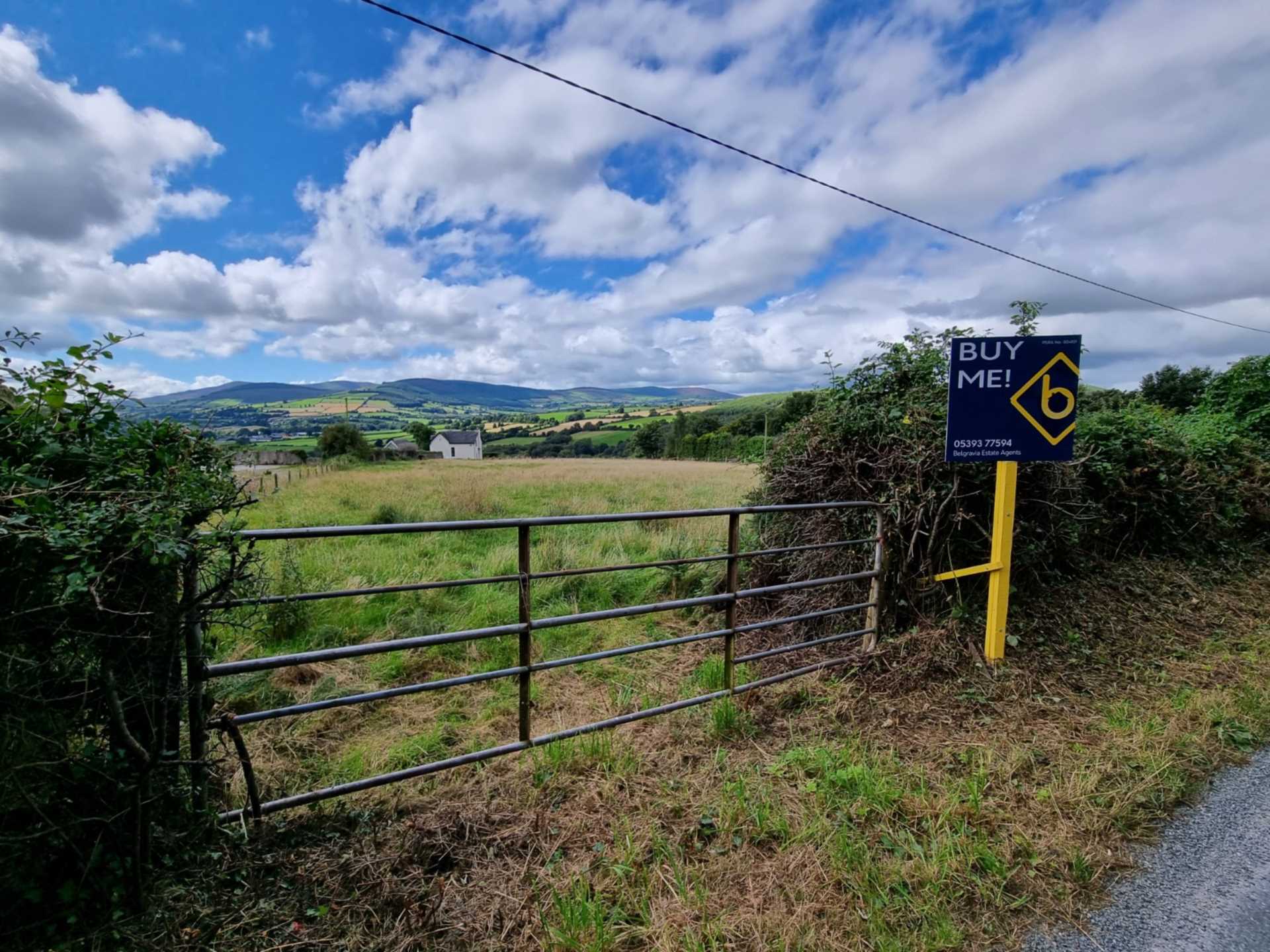
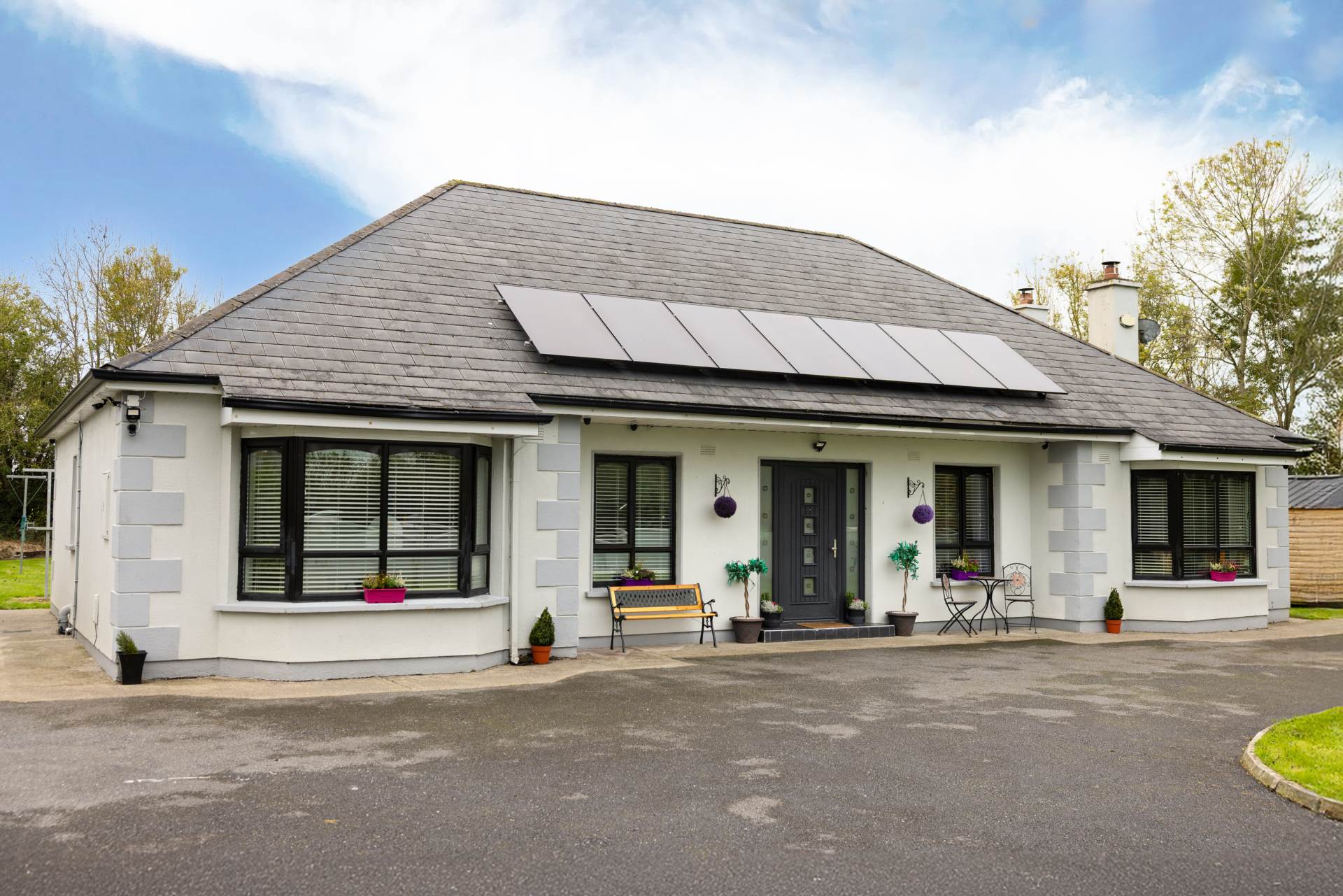 Ballyveal, Ballon Co. Carlow, R93 HX73Detached Bungalow House€475,0004 2 184.3sq. mTo Let10
 P.O.A./monthly1For Sale4
 Main Street, D15 XP2RSemi-Detached House€450,0003 1 111.48sq. mTo Let11
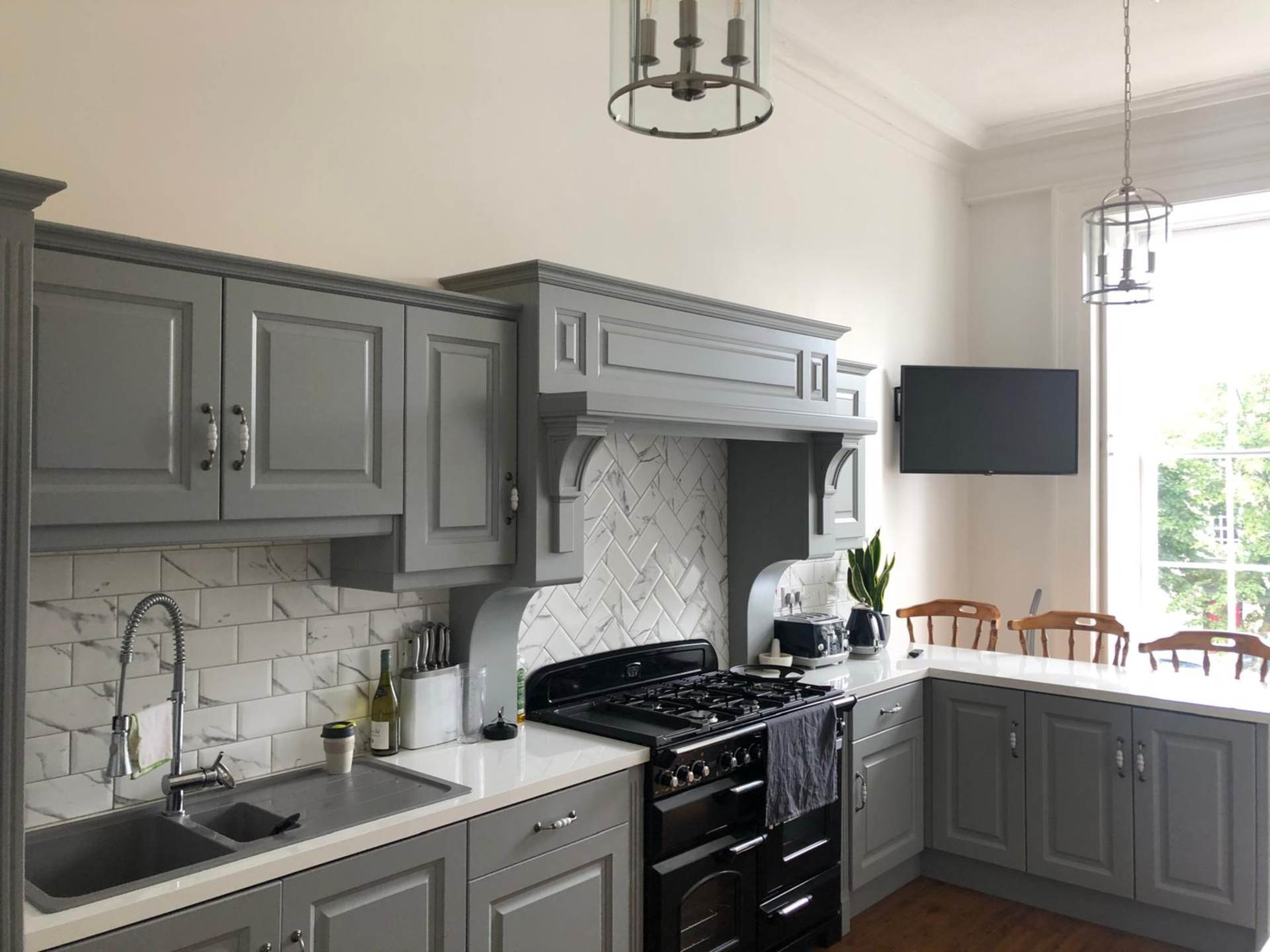 Main St, Bunclody, Y21 E2K2Semi-Detached House€1,668/monthly5 2 211.63sq. mTo Let14
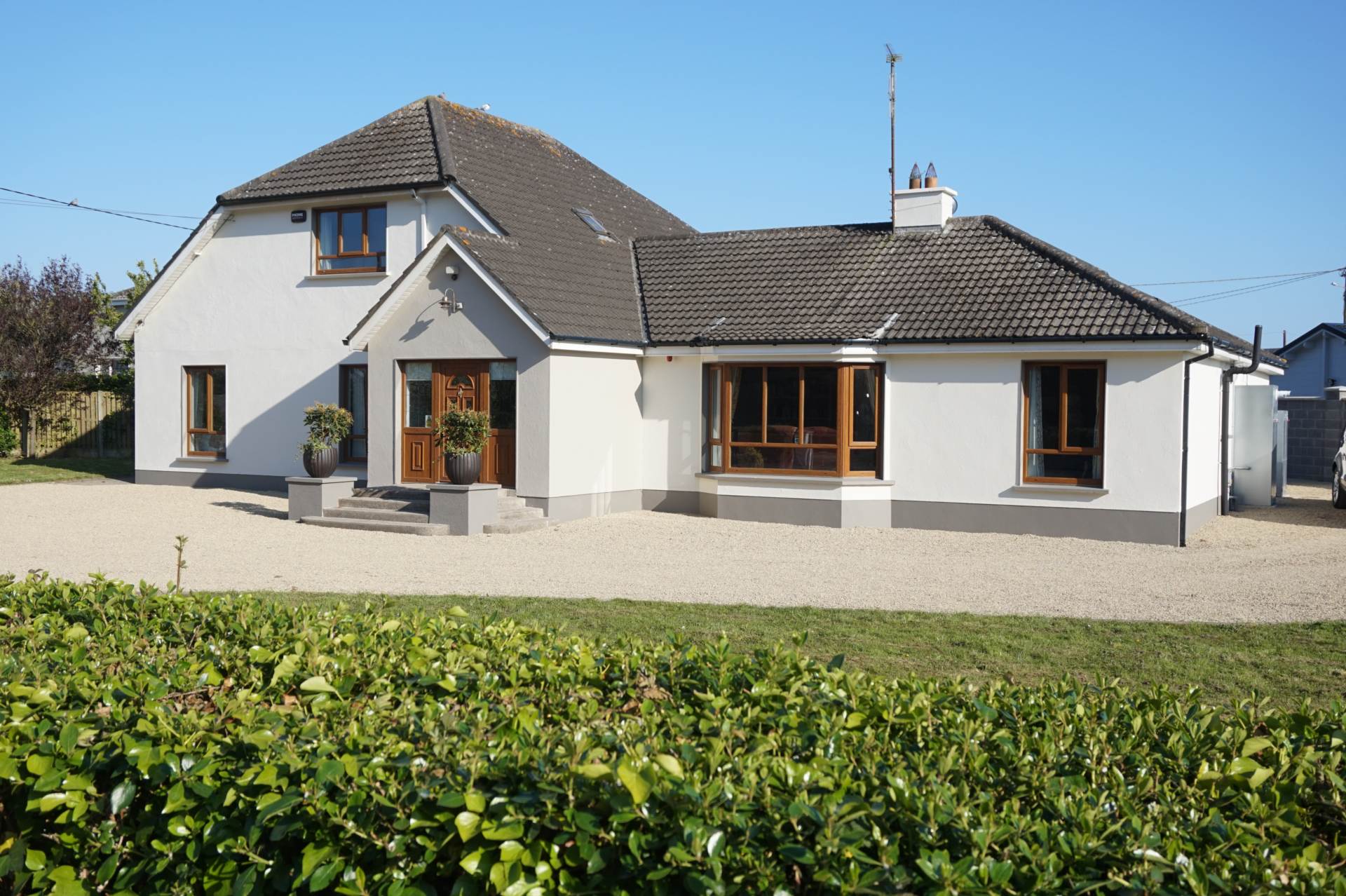 Cranny`s Lodge, Rosslare Harbour, Y35 DX93Detached House€1,500/pw7 9 262.51sq. mFor Sale7
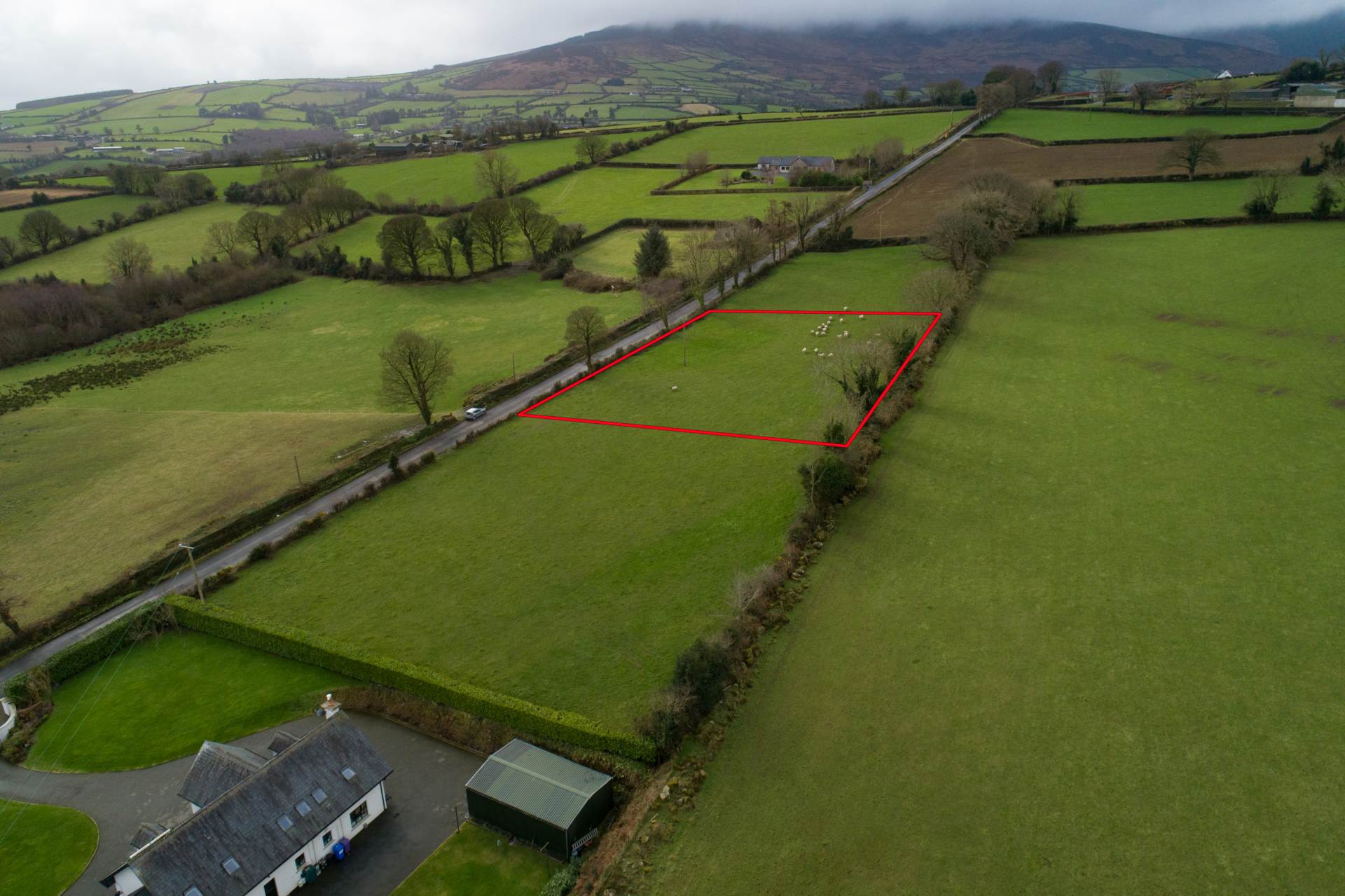 €75,000For Sale4
 Gurdburd, T34 H876Semi-Detached House€760,00011 1For Sale5
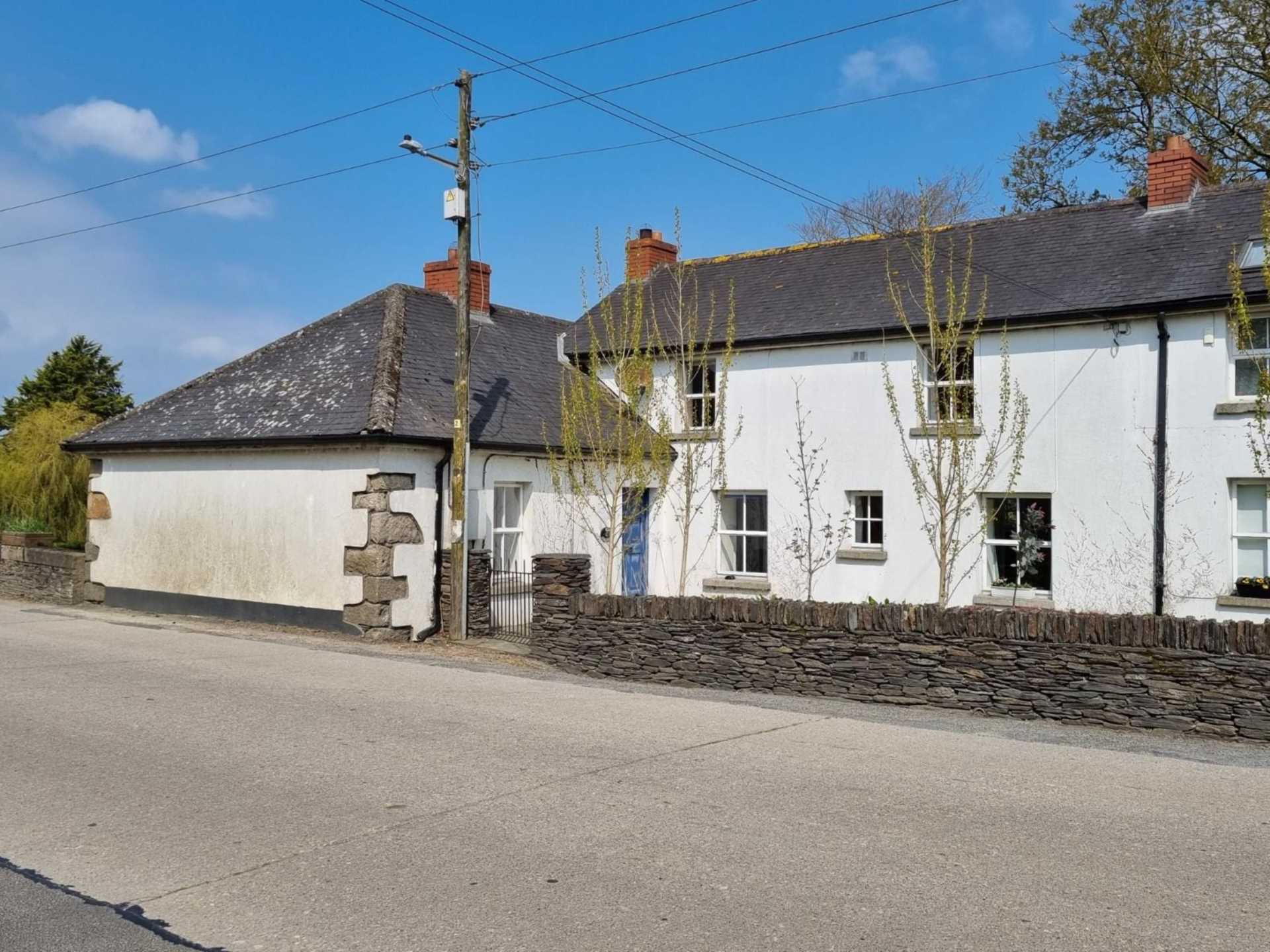
 €75,000To Let7
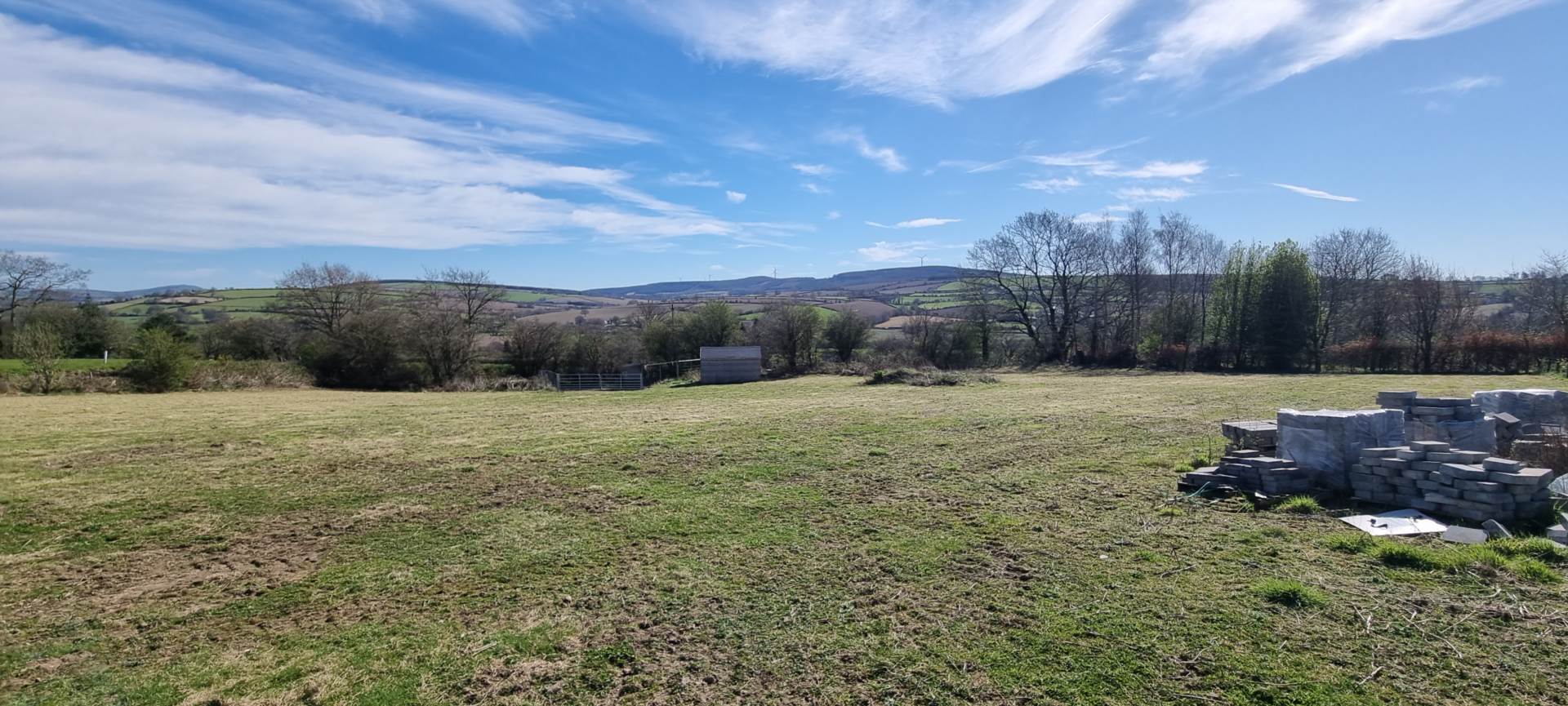
 Clohamon, Y21 R822Semi-Detached HouseP.O.A./monthly3 1 123.93sq. mFor Sale7
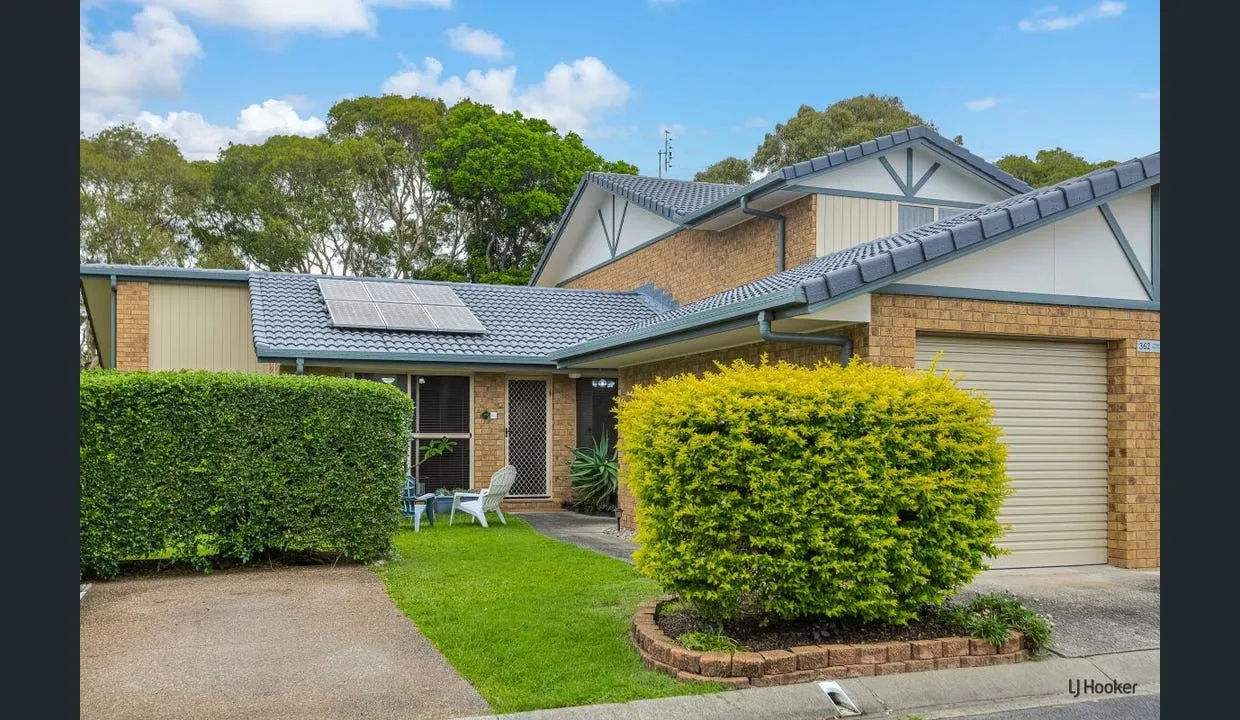
 €80,000For Sale4
 Berry Avenue, Swords, K67 A894Semi-Detached HouseP.O.A.1For Sale7
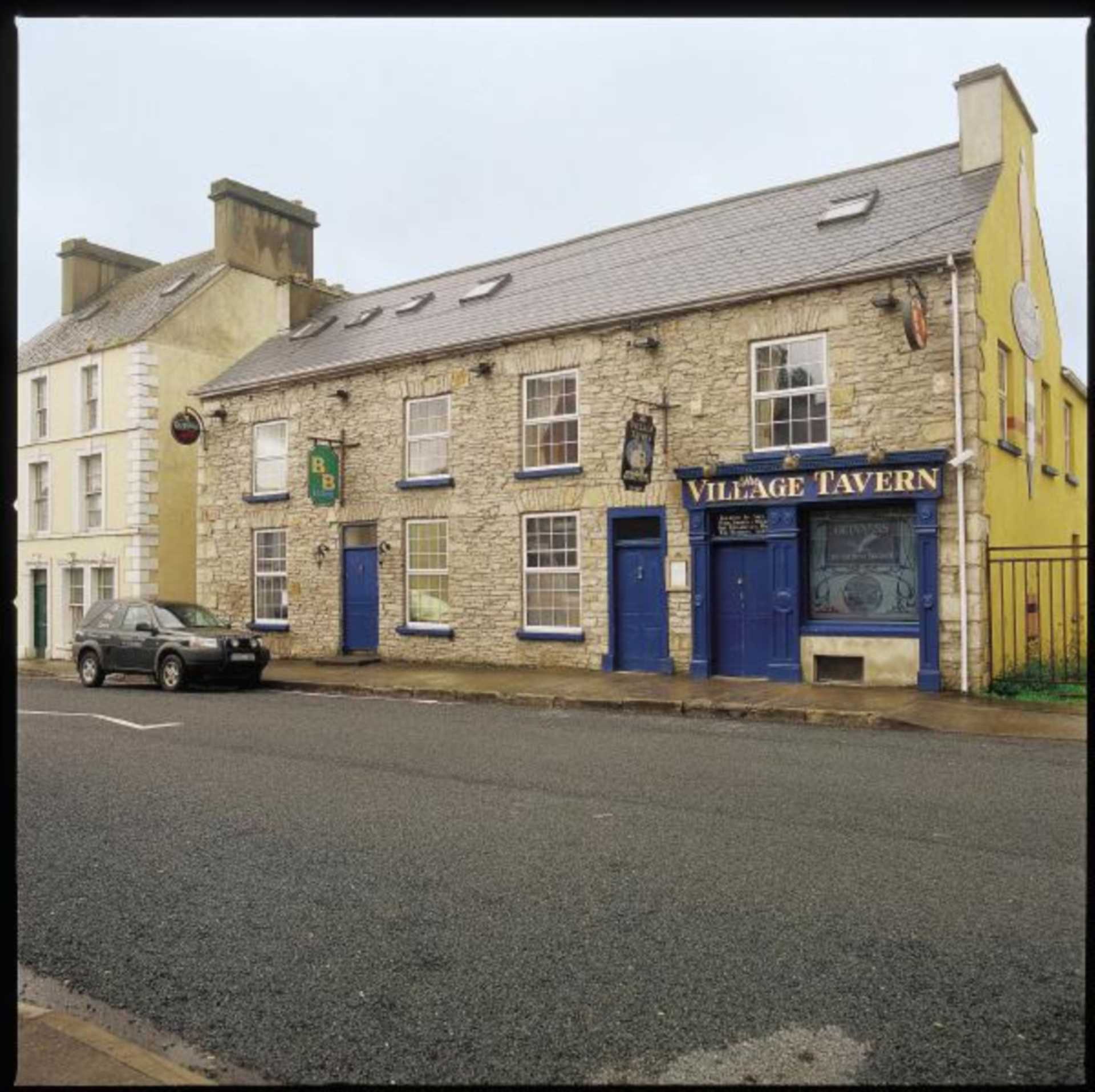 Main Street, Donegal, A00 B000Semi-Detached House€250,0003 1 5sq. mFor Sale6
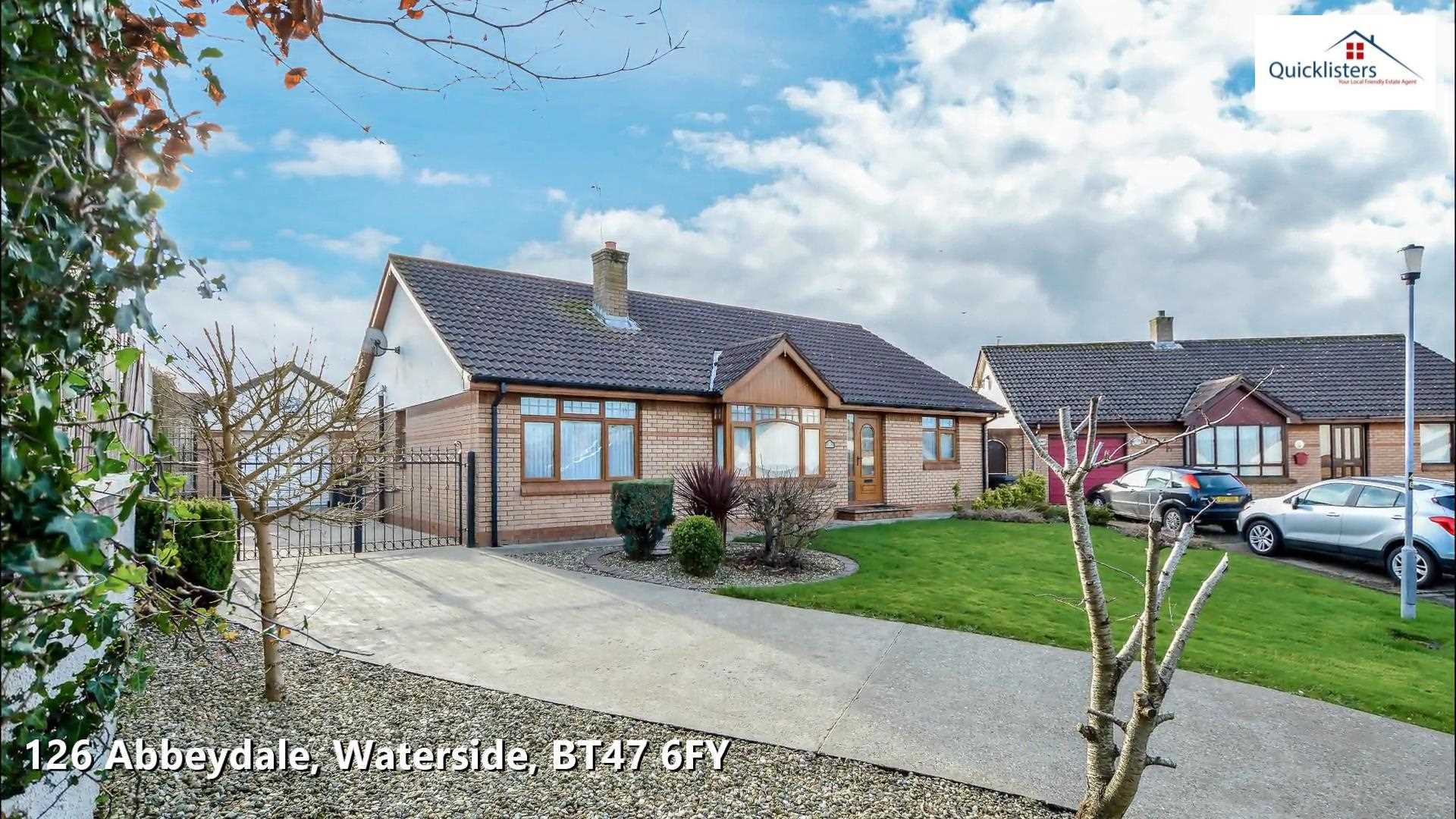 Offers In Excess Of €210,0004 1To Let4
 123 F, A00 B000Semi-Detached House€1,500/monthly6 1To Let4
 Shannon, V14 VF40Block Of Apartments€1,200/monthly2 1For Sale6
 Driney, Loughglynn, Roscommon, F45 WC92Detached House€110,0001For Sale5
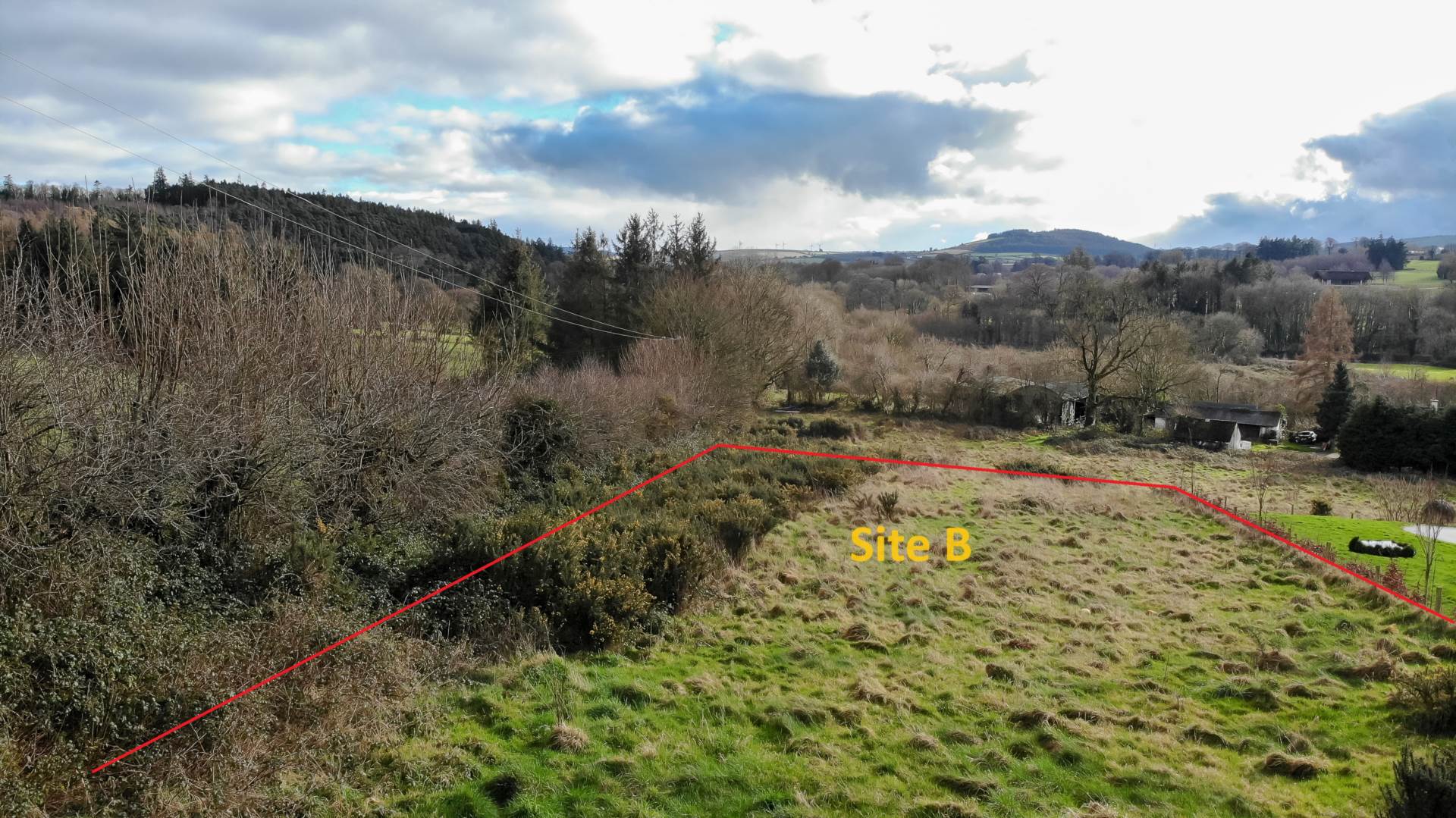 €65,000For Sale4
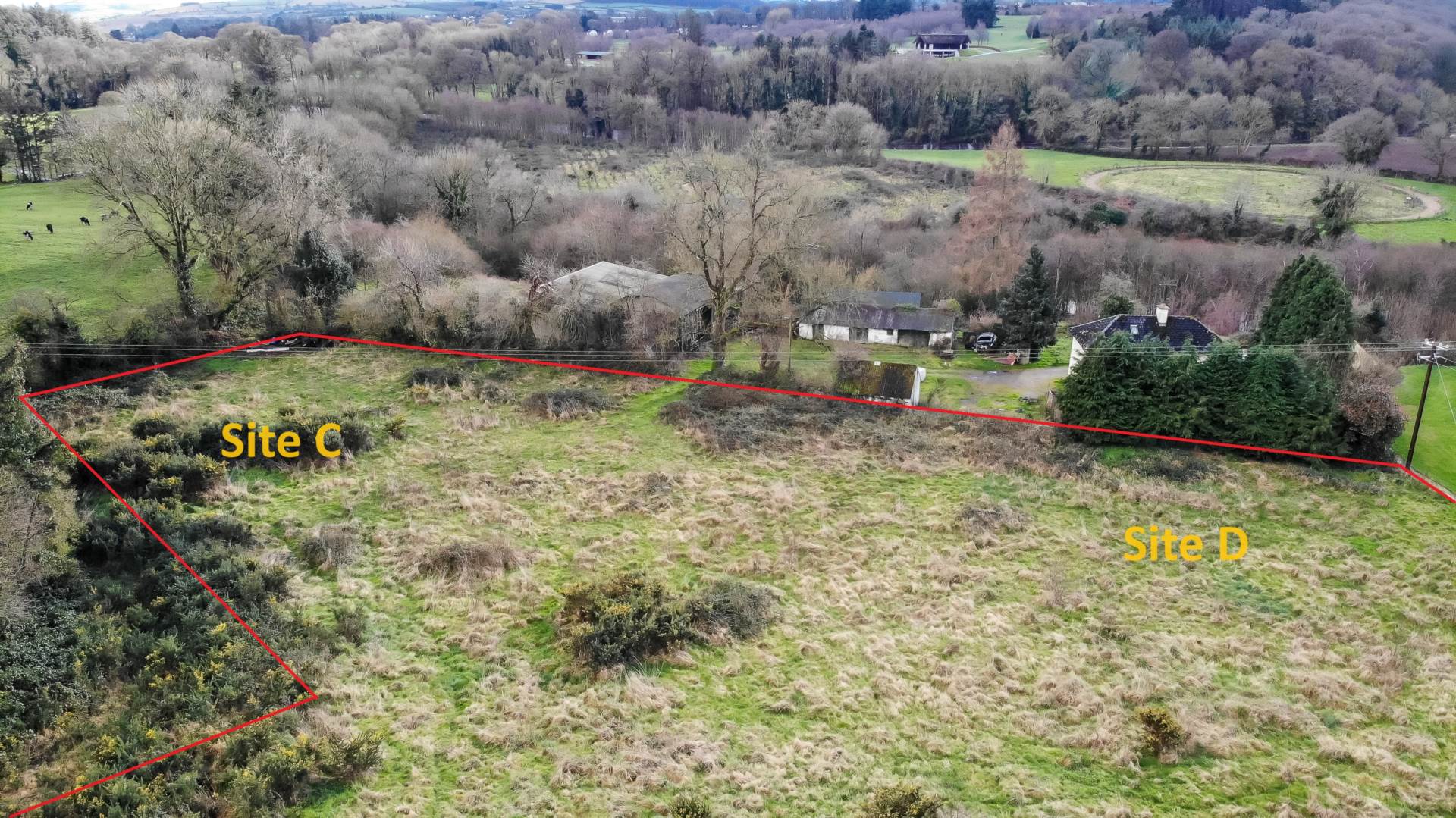 €65,000For Sale33
 P.O.A.8 3To Let6
 €600/monthly1 14.46sq. mFor Sale8
 10 North Circular Road, RathFarnham, D07 F95KSemi-Detached House€450,0004 3 202sq. mSale Agreed41
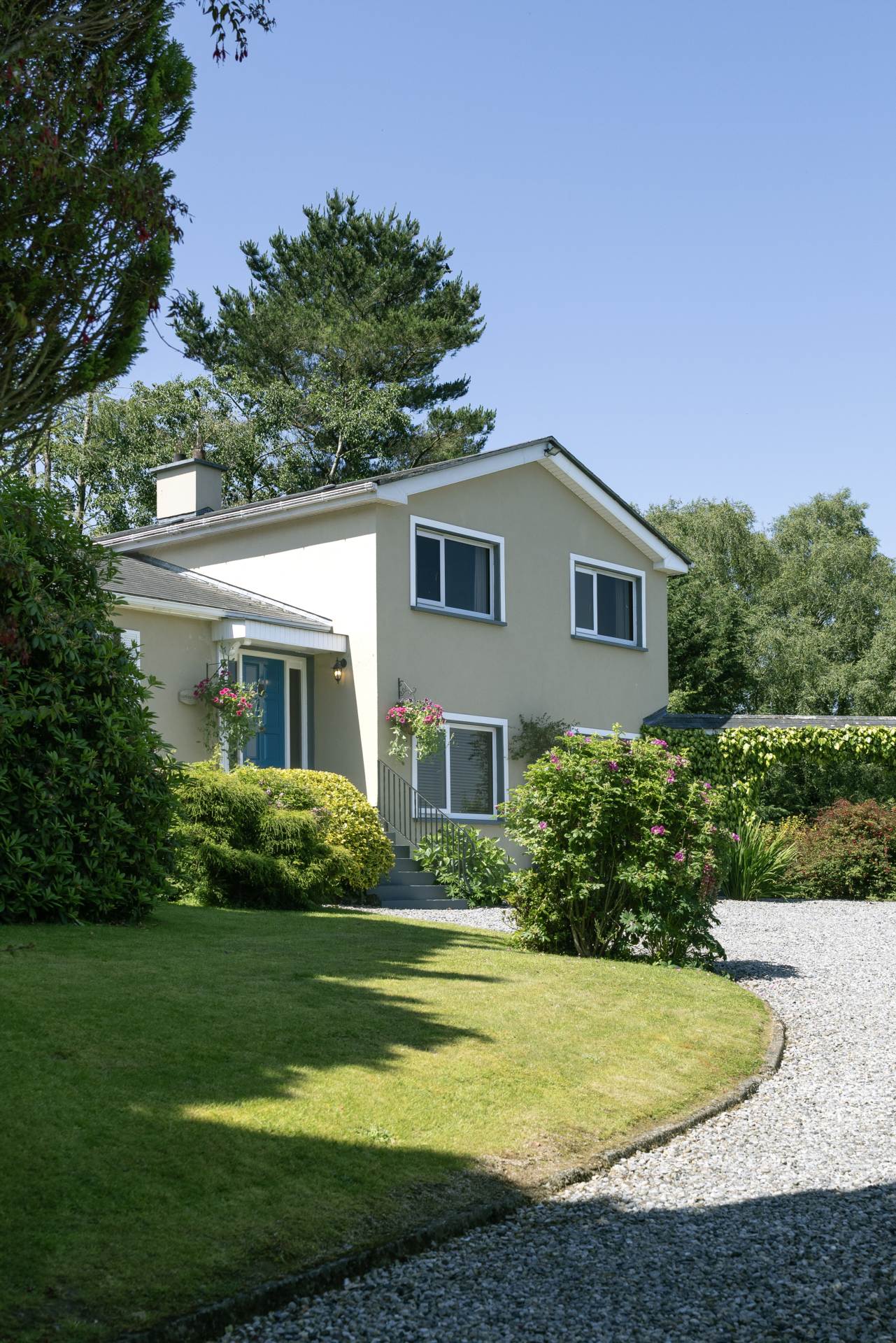 Glaslacken, Bunclody, Y21 KD30Detached House5 3 188sq. mSale Agreed26
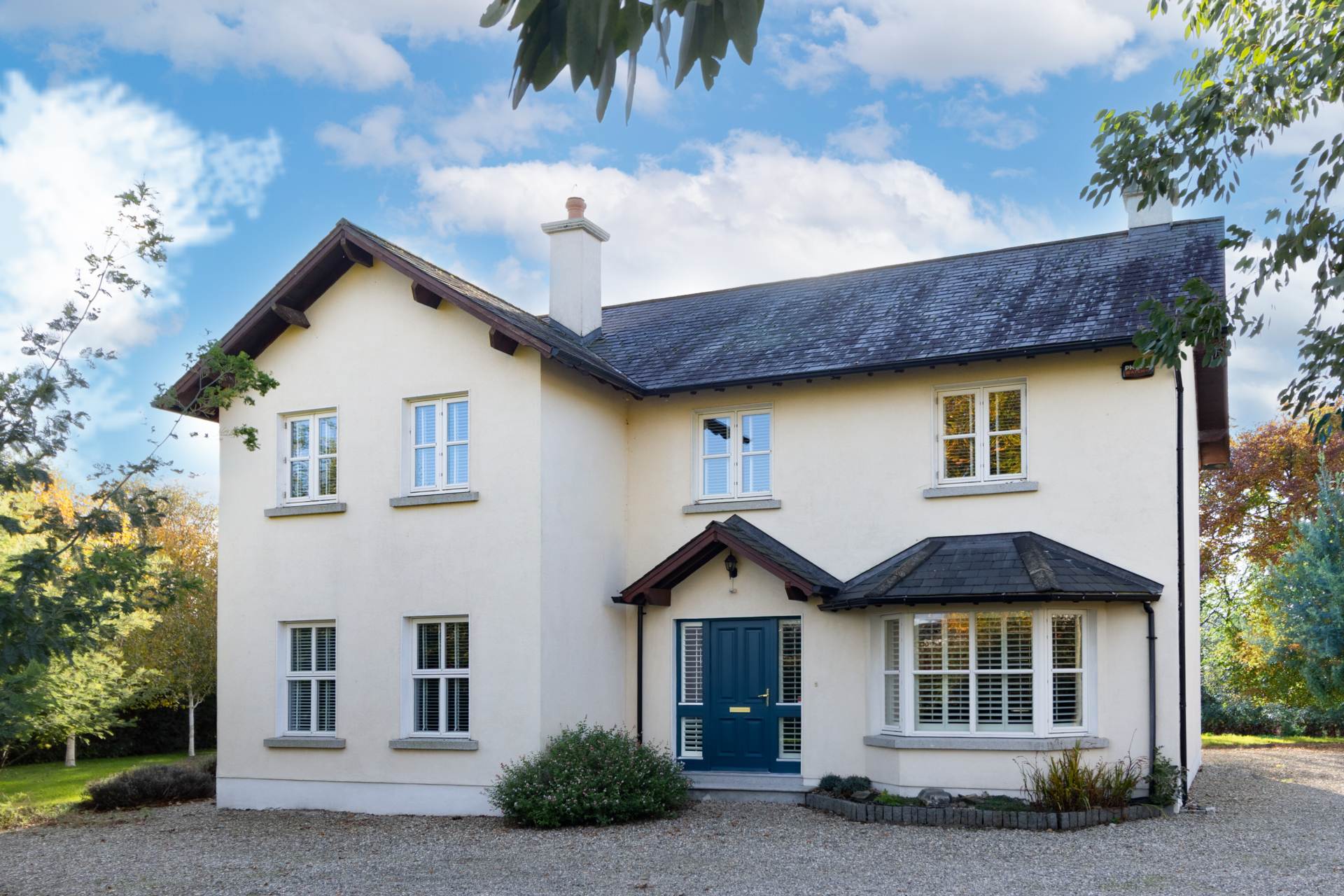 Beechley Hall, Graigue Beg, Y21 A078Detached House4 2 211.14sq. mLet Agreed9
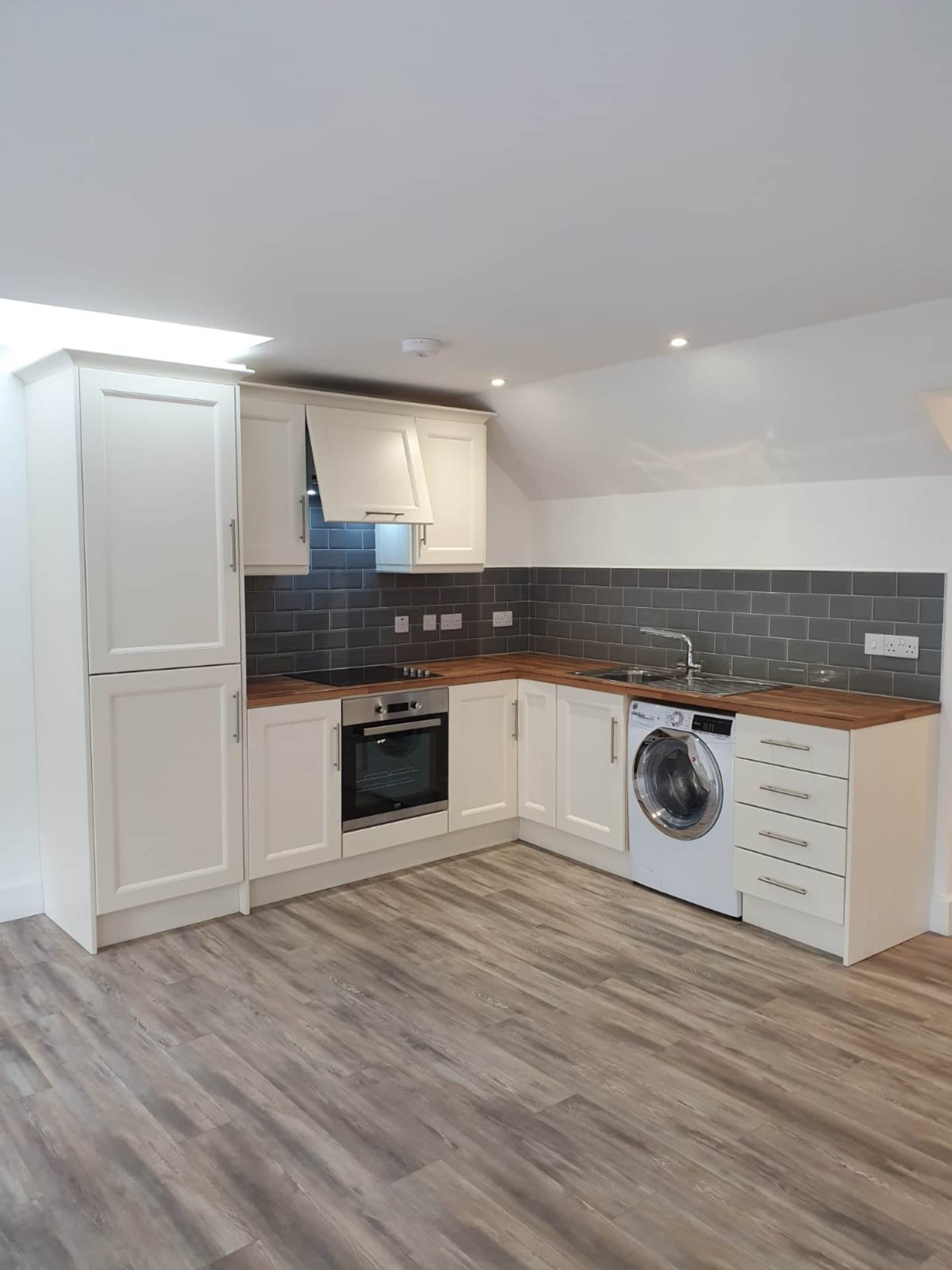 Main St, Bunclody, Y21 E0H4Apartment2 1
 - Specify which properties to show
- Display anywhere on your site
Managing Agent Information
Each property shows agent contact details:
- Agent Name – Imported from your CRM
- Agent Photo – Set in WordPress user profile
- Contact Numbers – Phone and mobile
- Email Address – Direct contact email
Update agent details in your CRM and they’ll sync automatically.
Understanding Your Settings
Import Settings
Found in: Properties > Settings > [Your CRM Name]
- Feed URL – Where to import properties from (set up once)
- Import Frequency – How often to check for updates
- Every 30 minutes – Very active agencies
- Every hour – Recommended for most
- Every 3 hours – Less active agencies
- Every 6 hours – Minimal changes
- Auto Sync – Turn imports on/off
- Property Author – Which WordPress user owns imports
Display Settings
Found in: Properties > Settings > General
- Grid Size – How many properties per row (1-6 columns)
- Property Card Style – Choose card appearance
- Show Status Badges – Display For Sale, Sold, etc.
- Show BER Ratings – Display energy ratings
- Default Sorting – How to order properties
- Eircode Display – Show/hide Eircode in titles
Map Settings
- Map Provider – Google Maps or OpenStreetMap
- Google Maps API Key – Required for Google Maps
- Default Zoom Level – How close to zoom on maps
- Marker Style – Circle or pin markers
- Enable Clustering – Group nearby markers
Search Settings
- Search Results Page – Where search results appear
- Active Statuses Only – Hide sold/let properties from search
- Price Ranges – Predefined price brackets
- Default Filters – Which filters to show
Using Shortcodes
Shortcodes let you display properties anywhere on your website.
Property Grid
Display a grid of properties:
[property-grid count="12" columns="3"]Common options:
status="For Sale"– Only show for sale propertiestype="House"– Only show housescounty="Dublin"– Properties in Dublin onlycount="12"– Show 12 propertiescolumns="3"– Display in 3 columnsagent-email="john@agency.ie"– Properties for specific agent
Examples:
Show 9 houses for sale in Cork:
[property-grid status="For Sale" type="House" county="Cork" count="9"]Show properties for a specific agent:
[property-grid agent-email="mary@agency.ie" count="20"]Show rental properties:
[property-grid status="To Let" count="15"]Property Map
Display all properties on a map:
[properties-map]Search Form
Add a property search form:
[property-search layout="basic"]Layouts:
basic– Simple searchadvanced– Full filtersminimal– Just key fields
Latest Properties
Show your newest properties:
[latest-properties count="6"]Multi-Agent Features
If you run a property portal or have multiple agents:
Agent Accounts
Each agent can have their own WordPress account:
- Vendor Role – Special role for external agents
- Own Dashboard – See only their properties
- Upload Properties – Add manually if needed
- Manage Enquiries – Receive enquiries for their properties
Agent Filtering
Display properties by agent:
On pages:
[property-grid agent-email="agent@example.ie"]In search:
- Visitors can filter by agent name
- Each agent can have a dedicated page
Agent Pages
Create pages for each agent showing:
- Their properties only
- Biography and photo
- Contact information
- Property statistics
Property Alerts – Building Your Database
How Clients Sign Up
- Visitor fills out alert form on your website
- Chooses criteria:
- Property type (House, Apartment, etc.)
- Location (Dublin, Cork, etc.)
- Price range (€200k – €400k)
- Minimum bedrooms
- Confirms email address
- Receives notifications when matching properties appear
What They Receive
Email includes:
- Property photo
- Price and key details
- Link to view full details
- Your agency branding
Managing Alerts
Found in: Properties > Property Alerts
- View all subscribers
- See their search criteria
- Manually send properties
- Export email list
- Remove unsubscribes
GDPR Compliance
Property alerts include:
- ✅ Opt-in confirmation
- ✅ Unsubscribe links in every email
- ✅ Data privacy compliance
- ✅ Contact preferences
Running Online Auctions with 4Bids
Setting Up an Auction
- Go to Properties > Edit Property
- Scroll to 4Bids section
- Enable Bidding – Check the box
- Set Auction Details:
- Start date and time
- End date and time
- Starting price
- Bid increment (e.g., €1,000)
- Bidding method (open or sealed)
- Save Property
Auction Features
Open Bidding:
- All bids visible to everyone
- Creates competitive atmosphere
- Live bid counter
- Real-time updates
Sealed Bidding:
- Bids hidden from other bidders
- Reveals winner at end
- Like tender process
- More private
Bidder Registration
Before bidding, users must:
- ✅ Register an account
- ✅ Verify email address
- ✅ Accept terms and conditions
- ✅ Provide contact details
During the Auction
You can:
- View all bids in WordPress admin
- See bidder details
- Monitor auction progress
- Extend auction if needed
Bidders see:
- Current highest bid (open bidding)
- Time remaining
- Place bid button
- Their bid history
After the Auction
- Auction closes automatically at end time
- Winner is notified by email
- You receive details of winning bidder
- Proceed with sale as normal
Optional: Generate invoice through WHMCS integration
Marketing Your Properties
SEO (Search Engine Optimization)
Property Drive helps your properties rank on Google:
- Automatic SEO – Titles, descriptions optimized
- Schema Markup – Google understands property data
- Fast Loading – Speed matters for rankings
- Mobile Friendly – Essential for Google
- Unique URLs – Each property has own address
Best practices:
- Write detailed descriptions (200+ words)
- Use specific locations in titles
- Include BER ratings
- Add high-quality photos
- Keep information updated
Social Media Sharing
Share properties easily:
- Share buttons on each property
- Facebook preview shows photo and details
- Twitter cards formatted correctly
- WhatsApp sharing for mobile users
Email Marketing
Use property data for newsletters:
- Export property lists
- Feature new properties
- Highlight price reductions
- Showcase sold properties (success stories)
Print Materials
Generate brochures:
- Use print template
- Professional PDF output
- Includes all photos and details
- Print-optimized layout
Mobile Experience
Your property website works perfectly on phones and tablets:
- Responsive Design – Adapts to any screen size
- Touch-Friendly – Easy to tap and swipe
- Fast Loading – Optimized for mobile data
- Click-to-Call – Phone numbers dial automatically
- Map Integration – Uses phone’s maps app
95% of property searchers use mobile devices – Property Drive ensures they have a great experience.
Support & Troubleshooting
Common Questions
Q: Why isn’t my new property appearing?
A: Check the import has run (Properties > Cron). Click “Run Import Now” to force update.
Q: Can I edit properties directly in WordPress?
A: Yes, but check the “Lock” box or your edits will be overwritten on next import.
Q: How do I change the property card design?
A: Go to Properties > Settings > General > Property Card Style.
Q: Can I have different property types?
A: Yes! Property Drive handles Residential, Commercial, Land, New Homes, and Rentals.
Q: Do I need Google Maps or can I use free maps?
A: OpenStreetMap is free and works great. Google Maps requires an API key but offers Street View.
Getting Help
Documentation: Full technical docs available
Support Email: Contact your plugin provider
WordPress Admin: Check Properties > Settings for guides
Best Practices
For Best Results
- Keep your CRM updated – Property Drive mirrors your CRM exactly
- Use high-quality photos – First impressions matter (minimum 1920×1080)
- Write detailed descriptions – Help buyers understand the property
- Include all features – Don’t skip details like parking, garden, etc.
- Set accurate prices – Use “POA” if needed, not €0
- Monitor your alerts – Build relationships with potential buyers
- Run imports hourly – Keep website fresh
- Check website weekly – Make sure everything looks good
Property Photography Tips
- Natural light – Photograph on sunny days
- Wide angles – Show full rooms
- Minimum 10 photos – Cover all rooms and exterior
- Landscape orientation – Works better on websites
- High resolution – At least 1920×1080 pixels
Writing Descriptions
- Start with highlights – Best features first
- Be specific – “5 minutes to M50” not “near motorway”
- Include measurements – Room sizes in sq meters
- Mention improvements – Recent renovations
- Describe area – Local schools, shops, transport
- Be honest – Builds trust with buyers
Your Success
Property Drive helps you:
✅ Save time – No manual property updates
✅ Look professional – Beautiful property displays
✅ Generate leads – Property alerts build database
✅ Close sales faster – Online auctions create urgency
✅ Stand out – Modern, mobile-friendly website
✅ Work smarter – Automation handles repetitive tasks
Focus on selling properties, let Property Drive handle your website.
Quick Reference
Must-Know Shortcuts
- Run Import: Properties > Cron > “Run Import Now”
- Add Shortcode: Edit page > Add block > Shortcode
- View Alerts: Properties > Property Alerts
- Check Settings: Properties > Settings
- Edit Property: Properties > All Properties > Edit
Important URLs
/property/– All properties archive/property/[property-name]/– Single property page/properties/– Search results (if configured)/property-map/– Map view (if configured)
Support Contacts
Keep your plugin provider’s contact details handy for technical support.
Welcome to the Property Drive family! Your property website is now a powerful marketing tool that works 24/7 to showcase your properties and generate leads.